
When complete packaging data looks incomplete

When a business uses Phantm to collect packaging data, we first build a structured record for each SKU. Suppliers are then invited to review that record, correct any details and confirm the packaging at each layer.
While reviewing 1,725 SKU validation records from 56 suppliers, we found one problem appearing again and again. In 447 packaging layers, suppliers had no obvious way to confirm that nothing existed at that level.
Take a bottled product packed directly into a shipper carton. There is no box, sleeve or other secondary packaging between the two.
The supplier confirms the bottle, then confirms the shipper carton. When they reach the secondary-packaging step, there is nothing to add and no obvious way to say, “This product has no secondary packaging.” So they leave the layer empty and move on.
The platform reads that empty layer as unfinished. The supplier has confirmed every piece of packaging that exists, but the customer still sees an incomplete record.
Across hundreds of packaging layers, one missing option was enough to make accurate and completed records appear unfinished. The workflow needed a clear way to record that a packaging layer did not apply.
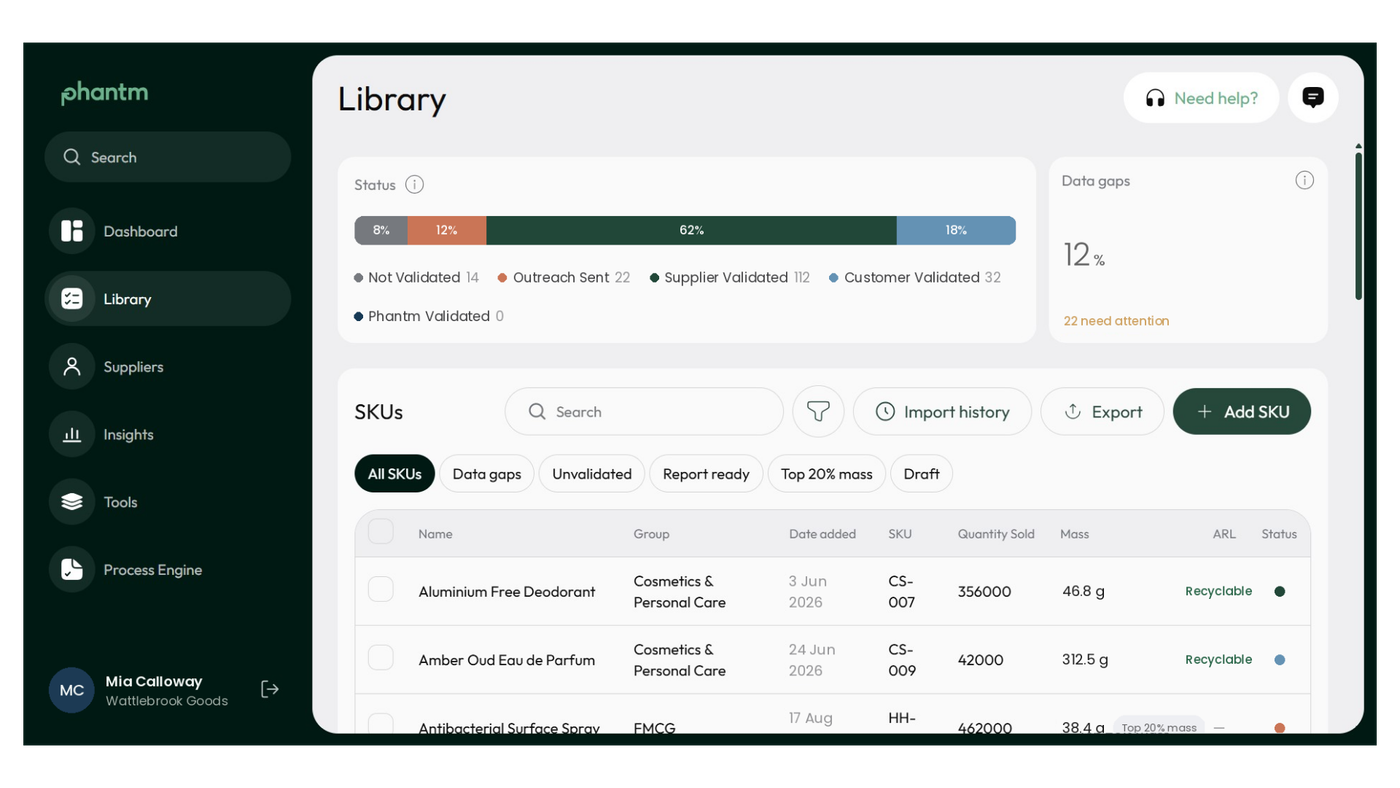
Why does no secondary packaging look like missing data?
An empty packaging layer can have several meanings. The supplier may not have reviewed it yet. They may be waiting for information. Or the product may have no packaging at that level.
Each situation requires a different response. An unconfirmed component may need a reminder or follow-up. A layer that does not exist simply needs the supplier to confirm its absence.
Phantm already had a way to record that a packaging layer did not exist, but it was difficult to find within the supplier workflow. Only 10 SKUs successfully used the existing marker, despite hundreds of layers appearing to need the same answer.
For the customer, those empty layers appeared alongside work that was genuinely outstanding. That made completion rates less useful and made it harder to see which suppliers or records needed attention.
How should packaging data record a layer that does not exist?
The first change is to place a clear “No items / not applicable” option inside the workflow for each packaging layer. Once the supplier selects and confirms it, that layer should count as complete.
Existing product information can make the process easier again. Where the data strongly indicates that a layer does not exist, the supplier can be shown “No items — confirm.” They still make the final decision, but they are confirming a likely answer rather than searching for a way to enter it.
Progress indicators also need to recognise a confirmed absence. If a supplier has reviewed every component that exists, the SKU should show as complete. If another action remains, the supplier should be linked directly to that layer instead of being sent back through the entire record to find it.
These are small changes to the workflow. Across a large product portfolio, they remove hundreds of unnecessary decisions and give customers a more accurate view of their data.
What does complete packaging data look like?
The 447 layers explain one part of the completion gap we observed. Other issues remained. In the same review, 245 SKUs were sitting at three of four completion stages. We do not know how many of those records were affected by an absent packaging layer, but both findings point to the value of examining where suppliers stop and what the system asks them to do next.
The same principle applies beyond secondary packaging. A product may have no tertiary layer, insert, label or closure. A consistent packaging hierarchy remains useful, provided suppliers can confirm when part of that hierarchy does not apply.
For anyone designing a supplier questionnaire or packaging database, the workflow needs to distinguish between “I do not know yet” and “there is nothing here.” Both are valid data states, but only one requires more information.
Complete packaging data should reflect the packaging that exists around each product. Sometimes that means collecting another material, weight or component. Sometimes it means giving a supplier a clear way to confirm that there is nothing more to add.
Need a clearer picture of your packaging data?
Phantm helps businesses turn incomplete and inconsistent packaging information into structured records that suppliers can review and validate. If your team is chasing apparently missing data across hundreds of SKUs, talk to us about building a workflow that reflects the packaging you actually sell.
See how Phantm structures your packaging data.
Talk to our team to walk through supplier collection, validation and reporting.